How it works
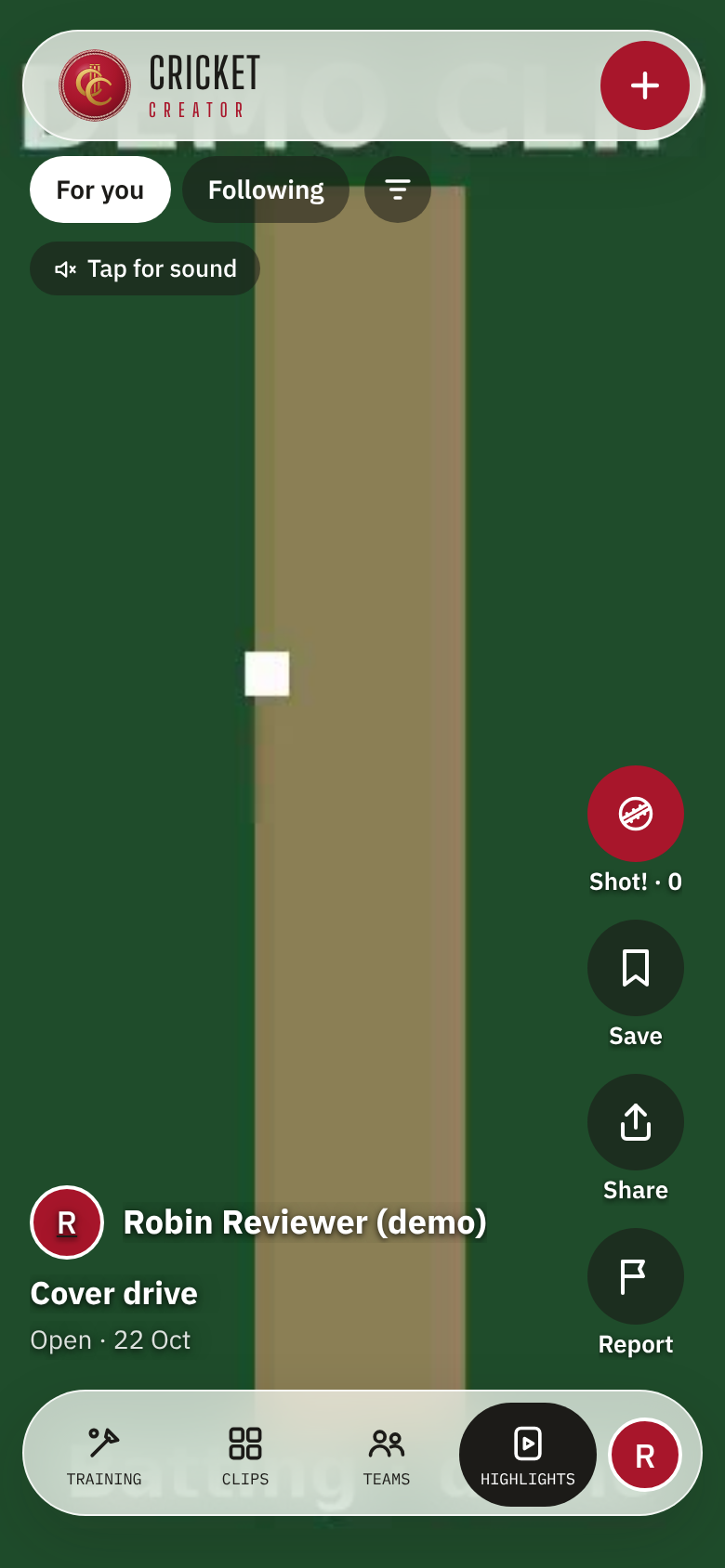
Film your cricket, sort it in a tap, talk it through with your coach and share your best.
For players
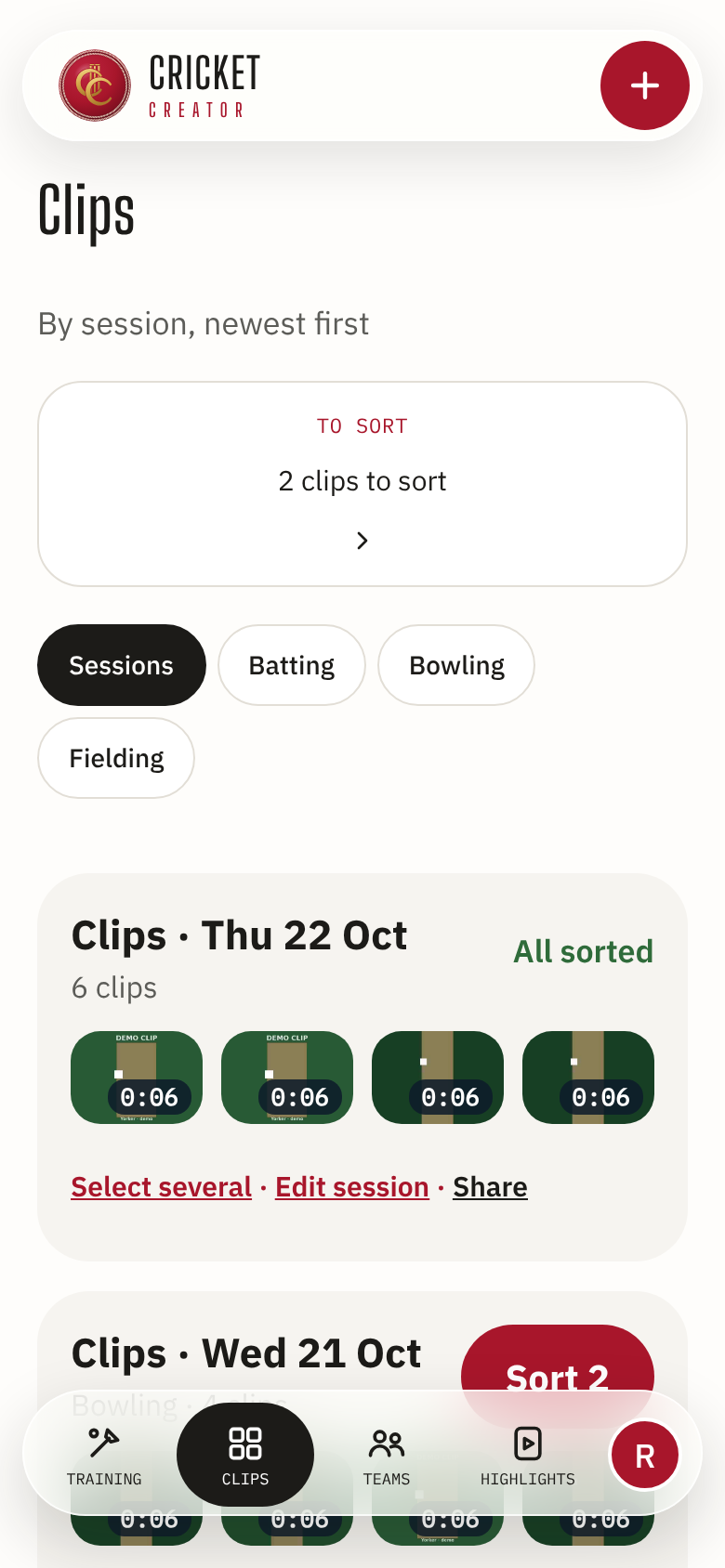
- 1Film a session
Phone on a tripod: Film a session gives you a short clip for every ball.
- 2Sort in one tap
Shot, what happened, how it went. Wickets and runs add up by themselves.
- 3Get feedback
Your coach comments at the exact moment, and you see it beside the clip.
- 4Be seen
Add your best clips to Highlights and share your own page.
For parents
- 1Set up your child’s account
Under 18s join with a parent. You choose what they share, and with whom.
- 2Approve before anything is public
Nothing of theirs goes into Highlights or onto a public page without your yes.
- 3See their training
Plans, sessions, bowling load (with the ECB’s age-group guidance) and coach feedback.
- 4By age
Under 13: no public page, and Highlights to watch only. 13 to 15: anything public, and any badge, waits for your yes. 16 and 17: you still approve the account, coaches and teams. In India, every under-18 needs your consent.
For coaches and academies
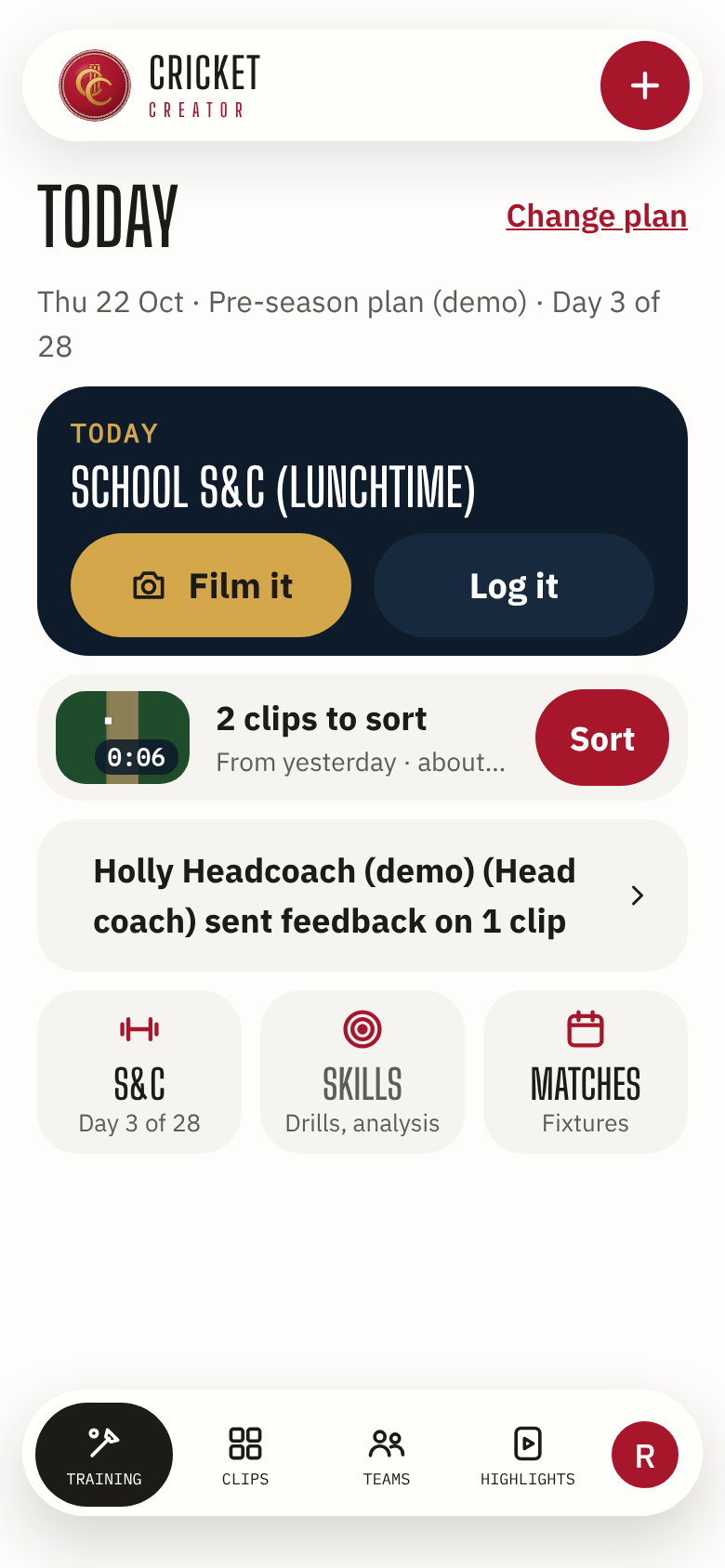
- 1Your squads in one place
Availability, session plans and the clips your players share with you.
- 2Feedback at the moment
Pause, comment and pick the side; your player is told.
- 3Your own page
A coach page or an academy page on cricketer.pro, live when you approve it.